Tech tip: Quicker access to the building
- Nov 11, 2021
- 1 min read
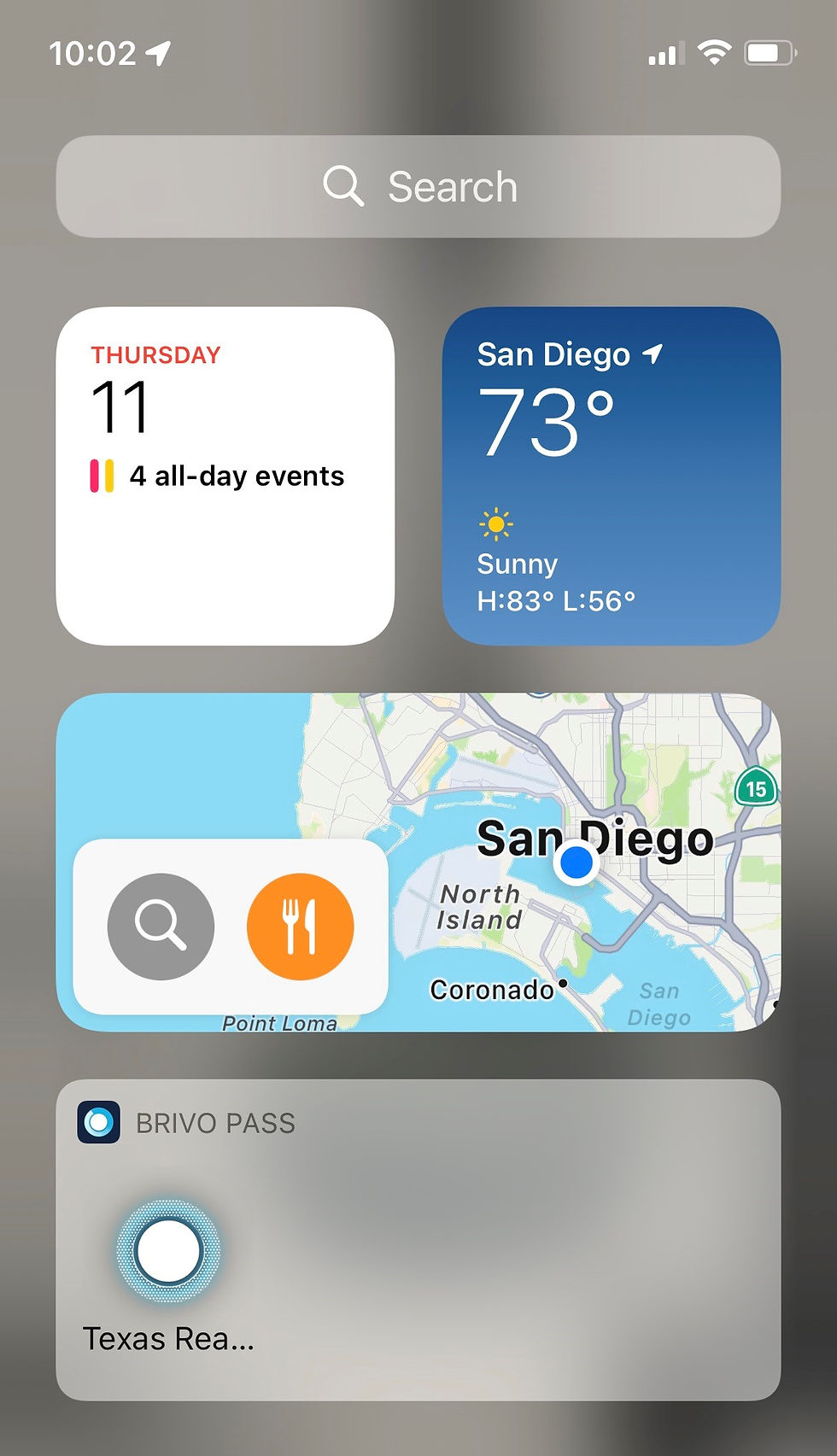
If you are an iPhone user, here's a quick and easy tip for unlocking the door access readers with your phone more quickly. Maybe an Android user can add to this post with a similar tip for Androids.
Instead of unlocking your phone, pulling up the Brivo app and pushing the Texas REALTORS® button, create a widget to add to your widget panel (the screen you see when you swipe right from your home screen.) Because you can access the widget panel without unlocking the phone, this will save you a few steps and time. Plus you don't even have to open the app to unlock doors. Here's how you do it:
Unlock your iPhone;
Swipe right to access the widget panel;
Press edit at the bottom of the screen;
Press the "Customize" at the bottom of the screen; and
Press the green "+" symbol next to the "Brivo Pass" widget.


Comments